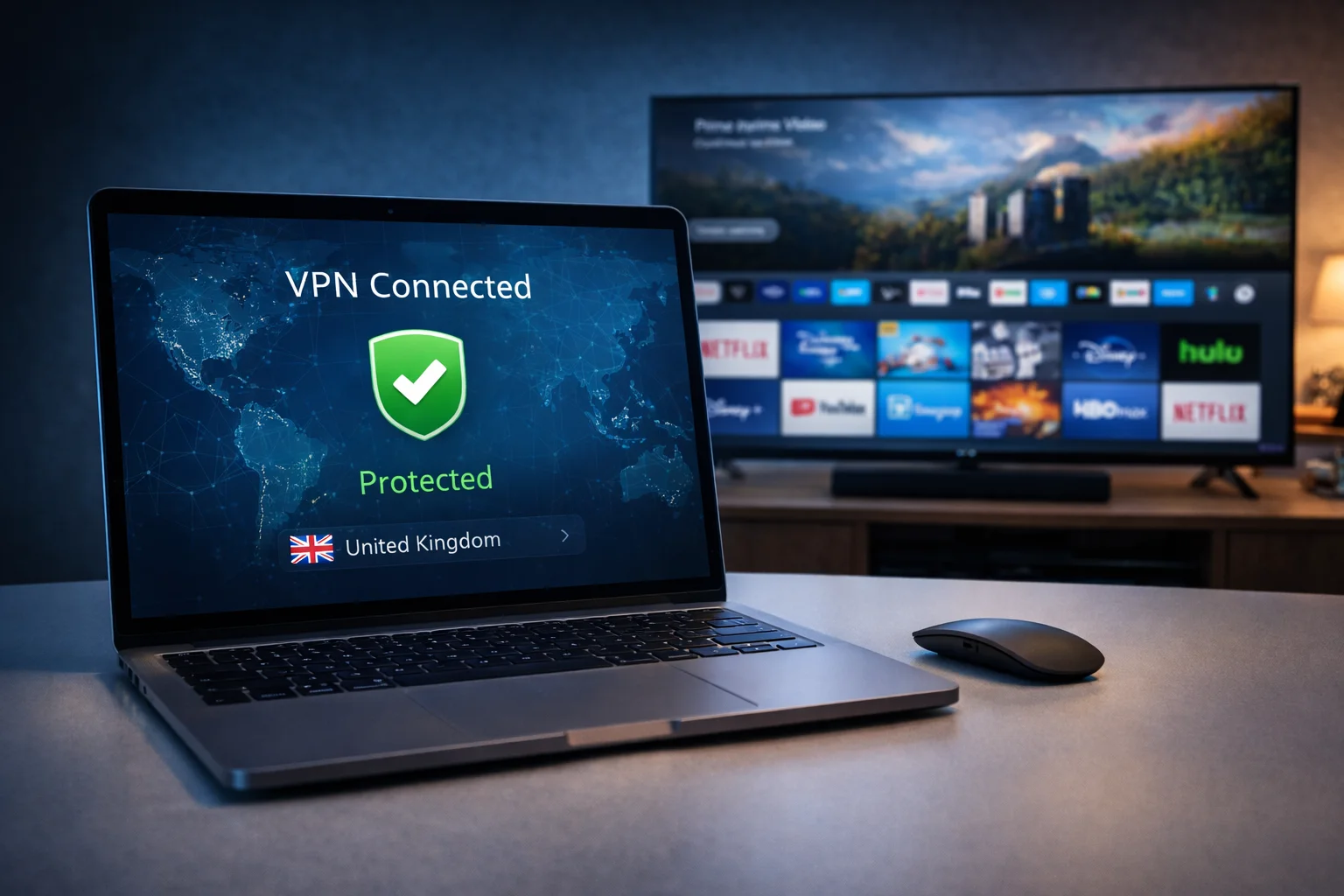
Using a VPN with your IPTV service is not optional — it is essential. ISPs routinely throttle streaming traffic during peak hours, causing buffering that has nothing to do with your provider’s servers.
The best VPN for IPTV encrypts your connection, prevents throttling, and protects your privacy while you stream. You might also be interested in our guide on IPTV 4K Streaming: How to Watch Ultra HD Content Without Buffering.
You might also be interested in our guide on IPTV Buffering Fix: 12 Proven Solutions That Work Instantly.
This guide reviews 5 VPN providers specifically from the perspective of IPTV performance. We evaluate each one on speed, UK server availability, ease of use on streaming devices, and anti-throttling effectiveness.
Need an IPTV subscription first? Start with our free trial guide. You might also be interested in our guide on IPTV EPG Guide: How to Get a Perfect Electronic Programme Guide.
Quick Summary: Top VPN Picks

| VPN Provider | Monthly Price | UK Servers | Speed Impact | Best For |
|---|---|---|---|---|
| NordVPN | ~£3/month (2yr) | 440+ | Minimal (~5%) | Best Overall |
| ExpressVPN | ~£5/month (1yr) | 4 locations | Minimal (~8%) | Fastest |
| Surfshark | ~£2/month (2yr) | 3 locations | Low (~10%) | Best Budget |
| CyberGhost | ~£2/month (2yr) | 700+ | Low (~12%) | Largest UK Network |
| IPVanish | ~£3/month (1yr) | 50+ | Moderate (~15%) | Firestick Users |
Table of Contents
- Why You Need a VPN for IPTV
- What to Look For
- NordVPN — Best Overall
- ExpressVPN — Fastest
- Surfshark — Best Budget
- CyberGhost — Most UK Servers
- IPVanish — Best for Firestick
- How to Set Up a VPN for IPTV
- VPN Troubleshooting
- Frequently Asked Questions
- Conclusion
Why You Need a VPN for IPTV
ISP Throttling Prevention
UK Internet Service Providers including BT, Virgin Media, Sky Broadband, and TalkTalk use Deep Packet Inspection to identify streaming traffic. When they detect high-bandwidth video data, they can selectively reduce your speed during peak hours (typically 7–10pm weeknights).
The best VPN for IPTV encrypts all your traffic so your ISP cannot distinguish between streaming video, web browsing, or file downloads.
They see only encrypted data and cannot selectively throttle your streams.
Privacy Protection
Without a VPN, your ISP can see every server you connect to. A VPN masks your browsing activity and prevents monitoring of your viewing habits.
Improved Routing
VPN servers sometimes provide better routing to your IPTV provider’s servers than your ISP’s default path. This can actually improve latency and stream quality in certain situations.
What to Look For in a VPN for IPTV
Not every VPN works well for streaming.
The best VPN for IPTV meets these criteria:
Fast UK Servers: Speed is paramount. A VPN that reduces your connection by 50% defeats the purpose of anti-throttling protection. Look for providers with UK server infrastructure and consistent speeds.
No-Logging Policy: Your VPN provider should have a verified no-logging policy. This means they do not store records of your browsing activity.
Kill Switch: If the VPN connection drops, a kill switch immediately stops all internet traffic to prevent your ISP from seeing unencrypted data.
Split Tunnelling: This feature lets you route IPTV traffic through the VPN while allowing other traffic (web browsing, email) to use your normal connection. This maximises speed for both activities.
Device Compatibility: The VPN must have native apps for your streaming devices: Firestick, Android TV, Smart TVs, and mobile devices.
Simultaneous Connections: You need enough connections for every streaming device in your household.
1. NordVPN — Best Overall
Price: ~£3/month on a 2-year plan
NordVPN consistently delivers the best VPN for IPTV experience with its combination of speed, reliability, and features.
Why It Is Best Overall:
- 440+ UK servers across London, Manchester, Edinburgh, and Glasgow
- NordLynx protocol delivers speeds within 5% of your base connection
- Built-in kill switch and DNS leak protection
- 6 simultaneous connections
- Native apps for Firestick, Android TV, iOS, Windows, and Mac
- Threat Protection feature blocks ads and malware
- Verified no-logging policy audited by PricewaterhouseCoopers
IPTV Performance: Excellent. Channel switching remains fast, live sports stream without buffering, and 4K content loads consistently.
The NordLynx protocol is specifically designed for speed-sensitive applications like video streaming.
Firestick Setup:
- Open the Amazon App Store and search for “NordVPN”
- Install and sign in to your account
- Connect to a UK server
- Open your IPTV app and start streaming
2. ExpressVPN — Fastest
Price: ~£5/month on a 1-year plan
ExpressVPN is the premium option for users who want absolute maximum speed.
Why It Is the Fastest:
- Lightway protocol delivers industry-leading speeds (~8% reduction)
- UK servers in London, Docklands, East London, and Wembley
- 8 simultaneous connections
- TrustedServer technology uses RAM-only servers (nothing stored to disk)
- Native apps for all major platforms including routers
- 24/7 live chat support
IPTV Performance: Outstanding. The Lightway protocol maintains near-native speeds.
4K sports streaming is completely smooth. Connection stability is excellent during extended viewing sessions.
Best For: Users who want the absolute highest speeds and are willing to pay a premium. Ideal for households with multiple simultaneous 4K streams.
3. Surfshark — Best Budget
Price: ~£2/month on a 2-year plan
Surfshark offers remarkable value with unlimited simultaneous connections at one of the lowest prices in the market.
Why It Is the Best Budget Choice:
- Unlimited simultaneous connections (every device in your house)
- UK servers in London, Manchester, and Edinburgh
- WireGuard protocol keeps speeds competitive (~10% reduction)
- CleanWeb feature blocks ads and trackers
- Native apps for Firestick, Android, iOS, Windows, and Mac
- No-logging policy verified by independent audit
IPTV Performance: Very good. Speeds are slightly lower than NordVPN and ExpressVPN but still more than adequate for buffer-free HD and 4K streaming.
The unlimited connections make it the obvious choice for large families.
Best For: Households with many streaming devices. One subscription covers every TV, phone, tablet, and computer in the house.
4. CyberGhost — Most UK Servers
Price: ~£2/month on a 2-year plan
CyberGhost operates the largest UK server network of any VPN provider.
Why It Stands Out:
- 700+ UK servers providing excellent load distribution
- Optimised streaming servers labelled for specific platforms
- Speeds typically 10-12% below base connection
- 7 simultaneous connections
- 45-day money-back guarantee (longest in the industry)
- Dedicated streaming profiles in the app
IPTV Performance: Good. The large UK server network means you can always find a fast, uncrowded server.
Streaming-optimised profiles reduce buffering during peak hours. The 45-day guarantee provides ample testing time.
5. IPVanish — Best for Firestick
Price: ~£3/month on a 1-year plan
IPVanish has a unique advantage for Firestick users — it is available directly in the Amazon App Store with a fully optimised interface.
Why It Is Best for Firestick:
- Dedicated Firestick app in the Amazon App Store (no sideloading)
- Interface designed specifically for remote control navigation
- 50+ UK IP addresses
- Unlimited simultaneous connections
- WireGuard and IKEv2 protocol options
- SOCKS5 proxy for additional configuration options
IPTV Performance: Good. Speeds are slightly lower than top-tier competitors (~15% reduction), but the Firestick-optimised experience is unmatched. If your primary IPTV device is a Firestick, IPVanish offers the most seamless integration.
How to Set Up a VPN for IPTV
Setting up the best VPN for IPTV follows the same basic steps on every device:
On Amazon Firestick
- Download your VPN app from the Amazon App Store
- Sign in to your account
- Select a UK server and connect
- Open your IPTV player app (TiviMate, Smarters Pro, etc.)
- Stream as normal — your ISP cannot throttle your traffic
On Android TV / Smart TV
- Install the VPN app from the Google Play Store
- Sign in and connect to a UK server
- Open your IPTV app
On iPhone / Android Phone
- Install the VPN app from your app store
- Connect to a UK server
- Open your IPTV app
On Router (Protects All Devices)
For comprehensive protection, install the VPN directly on your router. When considering best vpn for iptv, This encrypts traffic from every device on your network — TVs, phones, computers, and streaming devices — without installing individual apps.
Check your VPN provider’s website for router-specific setup guides. NordVPN and ExpressVPN offer the most detailed router setup documentation.
Important: Always connect the VPN before opening your IPTV app for best results.
VPN Troubleshooting
### Speed Reduced Too Much
- Switch to a different UK server (try London servers first)
- Change the VPN protocol to WireGuard or NordLynx
- Enable split tunnelling to only route IPTV traffic through the VPN
- Close other VPN-connected applications
### IPTV Not Working With VPN Connected
- Some IPTV providers block known VPN IP addresses
- Try connecting to a different server
- Contact your VPN provider about obfuscated servers
- Try a different VPN protocol
### VPN Keeps Disconnecting
- Enable the kill switch to prevent data leaks
- Update the VPN app to the latest version
- Switch from Wi-Fi to Ethernet
- Try the IKEv2 protocol, which handles network changes better
Frequently Asked Questions: Best vpn for iptv
### Do I really need a VPN for IPTV?
While not strictly required, a VPN is strongly recommended. UK ISPs routinely throttle streaming traffic during peak hours.
A VPN prevents this throttling and protects your privacy. Most users experience noticeable improvement in stream stability with a VPN active.
### Will a VPN slow down my IPTV?
A quality VPN reduces speeds by only 5–15%, which is typically imperceptible for streaming. If your ISP is throttling your streams, a VPN will actually improve your effective speed by removing the throttle.
### Which VPN protocol is best for IPTV?
WireGuard (used by Surfshark, CyberGhost, IPVanish), NordLynx (NordVPN), and Lightway (ExpressVPN) are the fastest modern protocols.
Avoid older protocols like OpenVPN for streaming as they add more overhead.
### Can I use a free VPN for IPTV?
Free VPNs have severe speed limitations, data caps, and often log your activity to sell to advertisers. They are not suitable for IPTV streaming. A quality paid VPN costs as little as £2/month on annual plans.
### Should I connect to a UK server or another country?
Connect to a UK server for the best speeds when streaming UK IPTV content. UK servers minimise latency between your device, the VPN, and your IPTV provider’s servers.
Learn more about online privacy from the UK Information Commissioner’s Office.
Conclusion: Protect Your Streams: Best vpn for iptv
The best VPN for IPTV is an essential part of any streaming setup. It prevents ISP throttling, protects your privacy, and can even improve routing to your provider’s servers.
NordVPN is our top recommendation for its combination of speed, reliability, and features. Surfshark is the best budget option with unlimited connections. IPVanish is ideal for dedicated Firestick users.
Whatever you choose, activate your VPN before every streaming session. The small monthly cost pays for itself in improved stream stability and peace of mind.