Updated for 2026

How to Setup IPTV on
Samsung & LG Smart TVs

The ultimate visual guide to installing the best IPTV players on Tizen and WebOS. No set-top box required.

Smart TV Setup Guide
10 Min Read 15k Views

Why Setup Directly on Your TV?

Modern Samsung (Tizen OS) and LG (WebOS) televisions are powerful enough to run high-quality IPTV streams without needing an external Firestick or Android Box. By connecting directly, you get:

  • One less remote control
  • 4K/UHD Native Resolution
  • Faster Channel Switching
  • Zero Input Lag

Method 1: Using IBO Player (Recommended)

IBO Player is widely considered the most stable and user-friendly application for Smart TVs in 2026. It offers a sleek interface and rapid EPG loading.
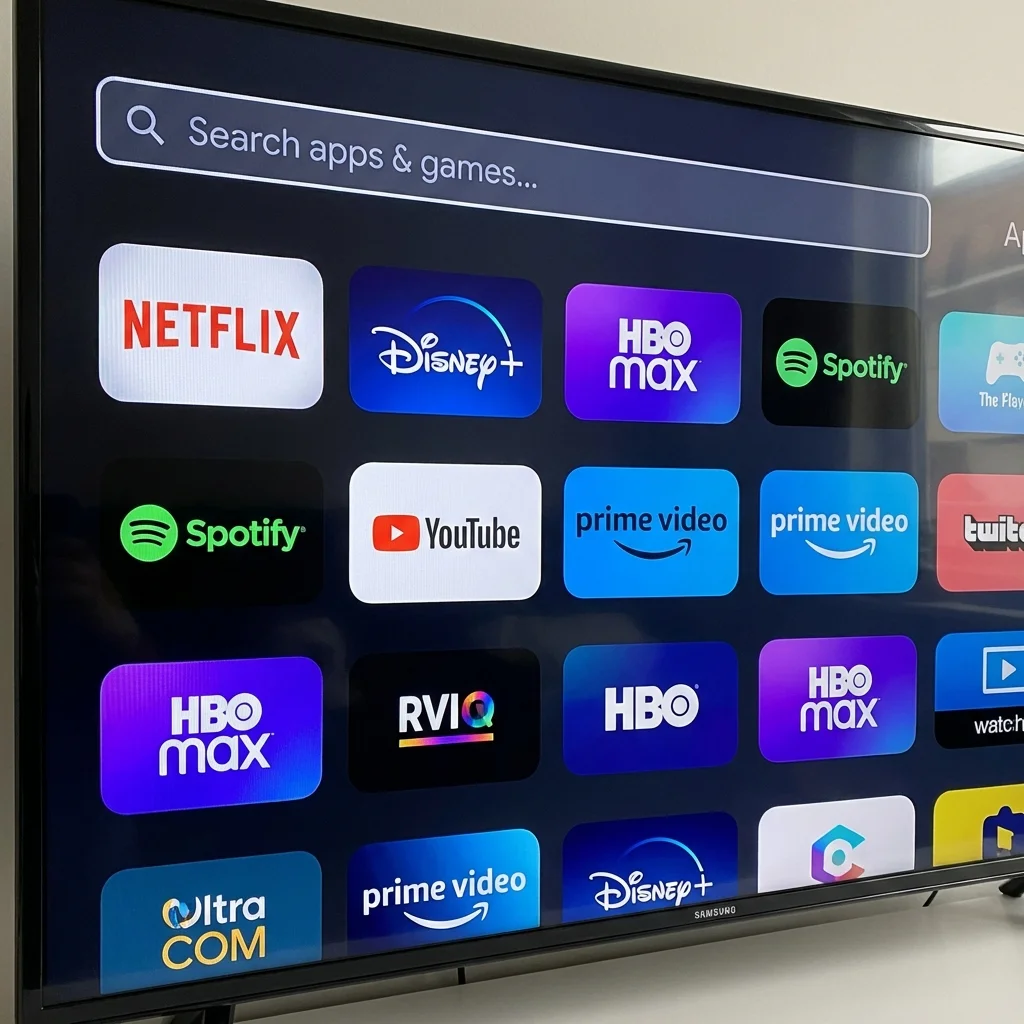
Samsung App Store Search

Step 1: Install the App

  1. Turn on your Samsung or LG Smart TV.
  2. Press the Home button on your remote.
  3. Navigate to Apps or Content Store.
  4. Use the search icon to type "IBO Player".
  5. Click Install or Download.

Step 2: Get Your Device ID

When you open the app for the first time, you will see a screen displaying:

  • Device ID (MAC Address)
  • Device Key

Take a photo of this screen or write these numbers down. You will need them to activate your playlist.
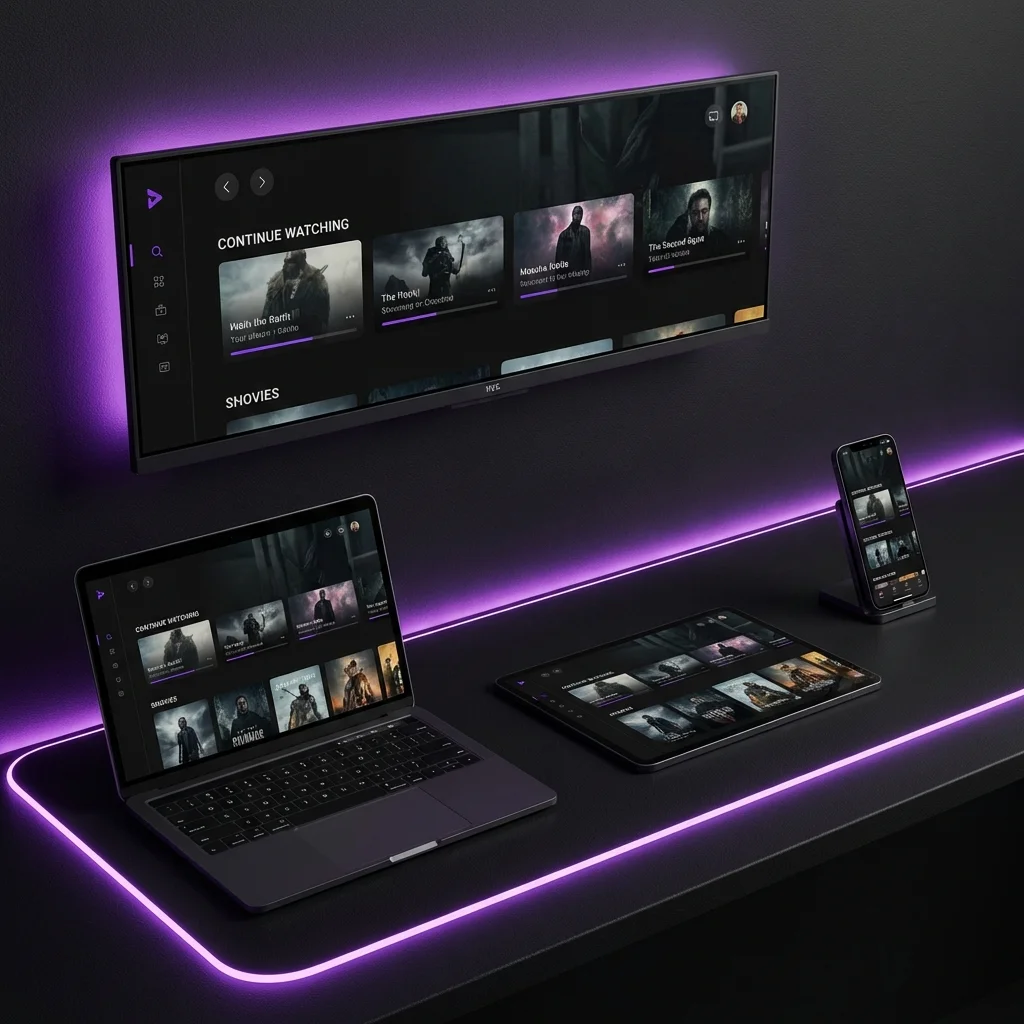
Device ID Screen

Step 3: Activate Your Playlist

This step is usually done on your phone or computer.

A

Go to the IBO Player activation website.

B

Enter your Device ID and Key.

C

Click "Add Playlist" and enter the M3U URL provided in your BritVisionTV welcome email.

Don't have a playlist URL?

You need an active subscription to get your unique M3U link.

Get Your M3U Link

The Result

IBO Player Interface

Navigate thousands of channels with a Netflix-style interface.

Method 2: IPTV Smarters Pro

A classic choice. While slightly older UI, it is incredibly reliable and supports Multi-Screen viewing.

"Search for Smarters Player Lite if you cannot find the Pro version on the LG Store."

Common Setup Questions

Do I need a VPN?

Normally, no. Our servers use advanced encryption technology. However, if your ISP (Internet Service Provider) aggressively throttles streaming traffic during football matches, a VPN can help smooth out the connection.

Why does it say "Authorization Failed"?

This usually means a typo in the URL or Username. Ensure there are no spaces. Also, M3U links are case-sensitive! Check your welcome email again.

Can I watch on multiple TVs?

Our standard plan covers 1 concurrent connection. To watch on the Living Room TV and Bedroom TV at the same time, you'll need the Multi-Room package.

Ready to Start Watching?

Get connected in less than 15 minutes. Try our premium service risk-free today.