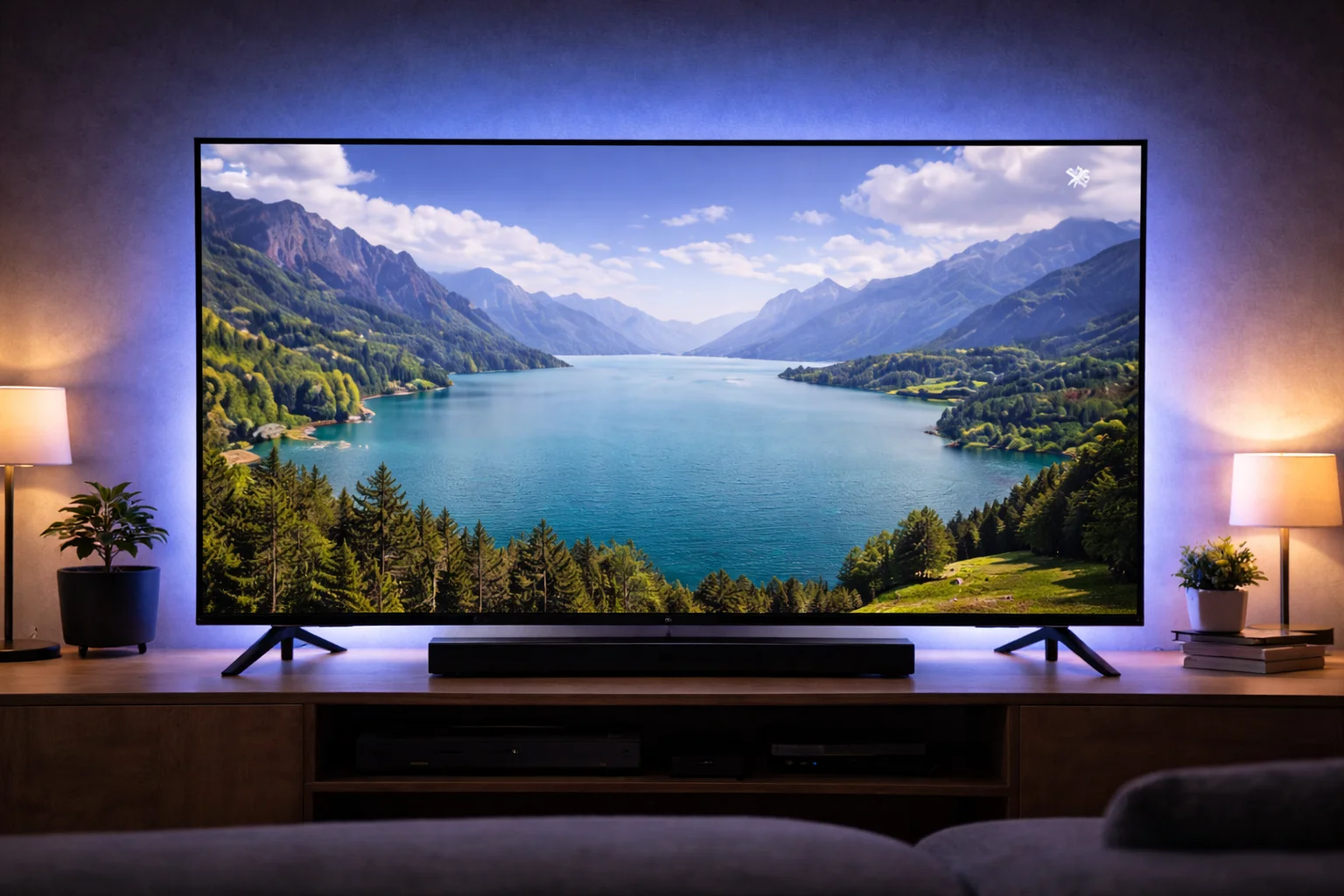
Four times the resolution of standard HD, IPTV 4K streaming delivers picture quality that brings every detail to life. From the individual blades of grass on a Premier League pitch to the subtle lighting in a cinematic thriller, 4K transforms your viewing experience. You might also be interested in our guide on IPTV Buffering Fix: 12 Proven Solutions That Work Instantly.
You might also be interested in our guide on IPTV EPG Guide: How to Get a Perfect Electronic Programme Guide.
But 4K demands more from your equipment and internet connection than standard HD. This guide covers exactly what you need — the right device, the right speed, and the right settings — to enjoy flawless Ultra HD streaming.
New to IPTV? Read our beginner guide. You might also be interested in our guide on IPTV M3U Playlist: What It Is and How to Use It Properly.
Quick Summary
- 4K streaming requires a minimum of 25–50 Mbps internet speed.
- Your TV must be a 4K (2160p) display to see the resolution benefit.
- Use a device with 4K output: Firestick 4K Max, Nvidia Shield, or Apple TV 4K.
- Wired Ethernet is essential for reliable 4K streams.
- Not all IPTV channels broadcast in 4K — most are 1080p with select 4K options.
- A VPN prevents ISP throttling of high-bandwidth 4K traffic.
Table of Contents
- What Is 4K IPTV?
- Internet Speed Requirements
- Compatible Devices
- TV Requirements
- Which Channels Are Available in 4K?
- Setting Up for 4K
- Troubleshooting 4K Issues
- 4K vs 1080p: Is the Upgrade Worth It?
- Frequently Asked Questions
- Conclusion
What Is 4K IPTV?
Standard HD television broadcasts at 1920 x 1080 pixels (1080p). IPTV 4K streaming delivers content at 3840 x 2160 pixels (2160p) — exactly four times the pixel count. This means sharper detail, more vivid colours, and a dramatically more immersive viewing experience, especially on larger screens (50 inches and above).
4K content also typically includes HDR (High Dynamic Range), which extends the contrast between the darkest and brightest parts of the image. HDR makes skies look more vibrant, shadows reveal more detail, and colours appear more lifelike.
Resolution Comparison
| Resolution | Pixels | Common Name | Bandwidth Needed |
|---|---|---|---|
| 720p | 1280 x 720 | HD Ready | 10–15 Mbps |
| 1080p | 1920 x 1080 | Full HD | 15–25 Mbps |
| 2160p | 3840 x 2160 | 4K Ultra HD | 25–50 Mbps |
Internet Speed Requirements
IPTV 4K streaming is bandwidth-hungry. Here is what you need:
Minimum speed: 25 Mbps dedicated to your streaming device. This handles 4K with minimal headroom for fluctuations.
Recommended speed: 50+ Mbps. This provides comfortable headroom for other household internet usage while streaming 4K.
Ideal speed: 100+ Mbps.
Multiple family members can stream, browse, and game simultaneously without affecting your 4K stream.
Testing Your Speed
Run a speed test at Speedtest.net during your normal viewing hours (not at 3am when nobody is online). The result must consistently meet the minimum threshold. A single fast result does not guarantee stable 4K performance.
Important: Test while connected via Ethernet, not Wi-Fi. Wi-Fi speeds are always lower than wired speeds and fluctuate significantly.
According to Ofcom data, the average UK broadband speed is approximately 80 Mbps, which is sufficient for 4K IPTV.
Compatible Devices
Not every streaming device supports IPTV 4K streaming output. You need a device with a 4K-capable HDMI output:
| Device | 4K Support | HDR | Price |
|---|---|---|---|
| Amazon Fire TV Stick 4K Max | Yes | HDR10+, Dolby Vision | ~£65 |
| Nvidia Shield TV Pro | Yes | HDR10, Dolby Vision | ~£199 |
| Apple TV 4K | Yes | HDR10+, Dolby Vision | ~£149 |
| Formuler Z11 Pro Max | Yes | HDR10 | ~£150 |
| Xiaomi Mi Box S 2nd Gen | Yes | HDR10 | ~£55 |
| Fire TV Stick Standard | No | No | ~£40 |
| Fire TV Stick Lite | No | No | ~£30 |
Key point: Even if a device supports 4K output, it must also be connected to a 4K TV via an HDMI 2.0 (or higher) cable. Older HDMI 1.4 cables do not carry enough bandwidth for 4K video.
For detailed device comparisons, see our IPTV Box UK guide.
TV Requirements
Your television must support 4K (2160p) resolution to display IPTV 4K streaming content. Most TVs sold since 2018 are 4K compatible.
What to check:
- Resolution: Must be 3840 x 2160 or higher
- HDR support: Look for HDR10 or Dolby Vision compatibility
- HDMI ports: At least one HDMI 2.0 or HDMI 2.1 input
- Screen size: 4K benefits are most visible on screens 50 inches and larger
TV settings for optimal 4K:
- Set the HDMI input to “Enhanced” or “UHD Deep Color” mode
- Enable HDR in your TV’s picture settings
- Disable motion smoothing for natural-looking content
- Set picture mode to “Cinema” or “Filmmaker Mode” for accurate colours
Which Channels Are Available in 4K?
Currently, 4K content via IPTV is growing but not universal. Most live channels still broadcast in 1080p Full HD with select 4K options:
Sports in 4K:
- Sky Sports 4K (select Premier League matches, F1, cricket)
- TNT Sports 4K (Champions League, select events)
- BT Sport Ultimate (dedicated 4K sports channel)
Entertainment in 4K:
- Sky Atlantic 4K (select original productions)
- some international 4K feeds
VOD in 4K:
- Many movies in the VOD library are available in 4K
- Select TV series available in 4K versions
The 4K channel selection is expanding every season. By 2026, most major UK sport broadcasts are expected to have 4K options.
Setting Up for 4K
Step 1: Ensure your TV is 4K compatible and your HDMI input is set to Enhanced/UHD mode.
Step 2: Connect a 4K-capable streaming device via an HDMI 2.0+ cable.
Step 3: Connect via Ethernet for the most stable bandwidth delivery.
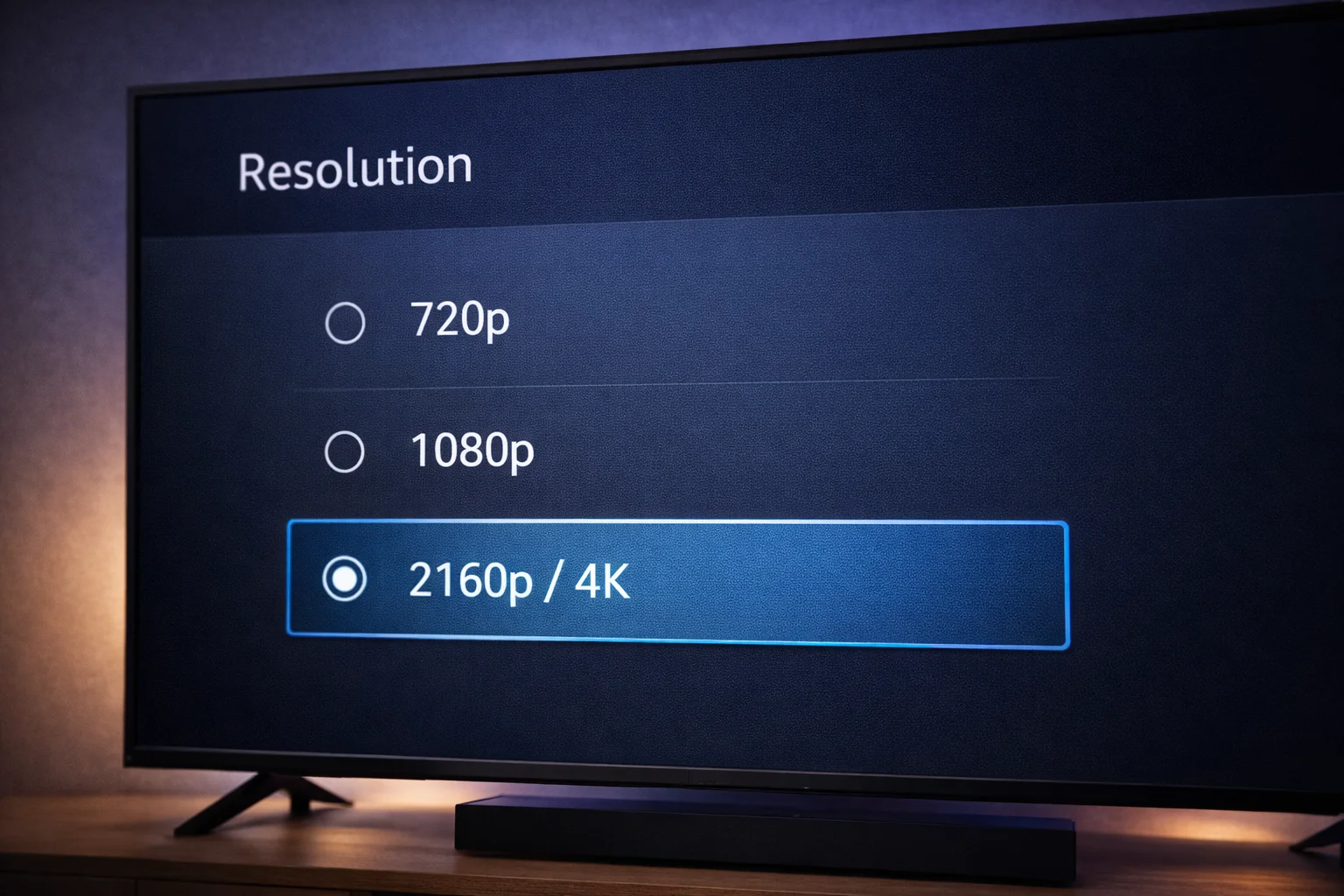
Step 4: In your device settings, set the display output to 4K (2160p) at 60Hz.
Step 5: In your IPTV player app, look for 4K or UHD versions of channels. These are usually listed separately from the HD versions (e.g., “Sky Sports PL 4K” vs “Sky Sports PL HD”).
Step 6: Activate your VPN before streaming to prevent ISP throttling of high-bandwidth 4K traffic.
Troubleshooting 4K Issues
### No 4K Resolution Displaying
- Verify your TV supports 4K (check TV settings or manual)
- Ensure the HDMI input is set to Enhanced/UHD mode
- Use an HDMI 2.0 or higher cable
- Set your device output to 2160p in its display settings
### 4K Content Buffering
- Test internet speed — you need 25+ Mbps consistently
- Switch from Wi-Fi to Ethernet immediately
- Increase buffer size in your player app
- Activate a VPN to prevent throttling
- Close all other internet-using applications
- See our complete buffering fix guide
### Colours Look Wrong in HDR
- Enable HDR in your TV’s picture settings
- Switch to Cinema or Movie picture mode
- Ensure your streaming device has HDR output enabled
4K vs 1080p: Is the Upgrade Worth It?
| Aspect | 1080p (Full HD) | 4K (Ultra HD) |
|---|---|---|
| Detail | Good | Exceptional |
| Speed Needed | 15–25 Mbps | 25–50 Mbps |
| Device Cost | From £30 | From £55 |
| Content Availability | All channels | Select channels |
| Visible on Small TVs | Yes | Minimal benefit under 50″ |
Worth it if: You have a 50″+ TV, stable 50+ Mbps internet, and watch sports or cinematic content where detail matters.
Not worth it if: Your TV is under 43 inches, your internet is under 25 Mbps, or you primarily watch standard entertainment channels.
Frequently Asked Questions: Iptv 4k streaming
### Do all IPTV channels broadcast in 4K?
No. Most channels broadcast in 1080p Full HD. Select sports channels, premium entertainment, and VOD content are available in 4K.
The number of 4K channels is growing each year.
### Can I watch 4K IPTV on a 1080p TV?
Your device will downscale 4K content to fit your 1080p screen. You will not see any benefit from the higher resolution. Invest in a 4K TV to take full advantage of 4K content.
### Why does 4K buffer more than HD?
4K requires roughly 2-3x more bandwidth than 1080p. If your internet connection is borderline for HD, it will likely struggle with 4K.
Upgrade your connection or use wired Ethernet.
### Is 4K IPTV worth the extra bandwidth?
On a large screen (50″+), the difference between 1080p and 4K is immediately noticeable, especially in sports and cinematic content. If you have the bandwidth and a compatible TV, 4K is absolutely worth it.
Conclusion: The Future Is Ultra HD: Iptv 4k streaming
IPTV 4K streaming delivers the ultimate viewing experience for households with the right equipment and internet connection. The setup requires a 4K TV, a 4K-capable streaming device, and at least 25 Mbps dedicated bandwidth.
Start with a free trial, test the 4K channels during live sport, and verify your setup delivers smooth playback. With the right configuration, you will enjoy picture quality that rivals any cinema screen.