
Family entertainment in the UK is expensive. Between Sky, Netflix, Disney+, and Amazon Prime, the average UK household spends over £100 per month on television subscriptions. IPTV for families reduces this to a single subscription under £15 that serves every member of the household.
You might also be interested in our guide on IPTV for Sports: Watch Premier League, F1 and UFC for Under £15.
This guide covers multi-device setup, parental controls, kid-friendly channels, and practical tips for making IPTV work seamlessly for the whole family. New to streaming? Start with our beginner guide. You might also be interested in our guide on IPTV Premier League: Watch Every Match Live for Under £15/Month.
Quick Summary
- Most IPTV plans support 2–5 simultaneous connections for family viewing.
- Kids’ channels include CBeebies, CBBC, Disney, Nickelodeon, and Cartoon Network.
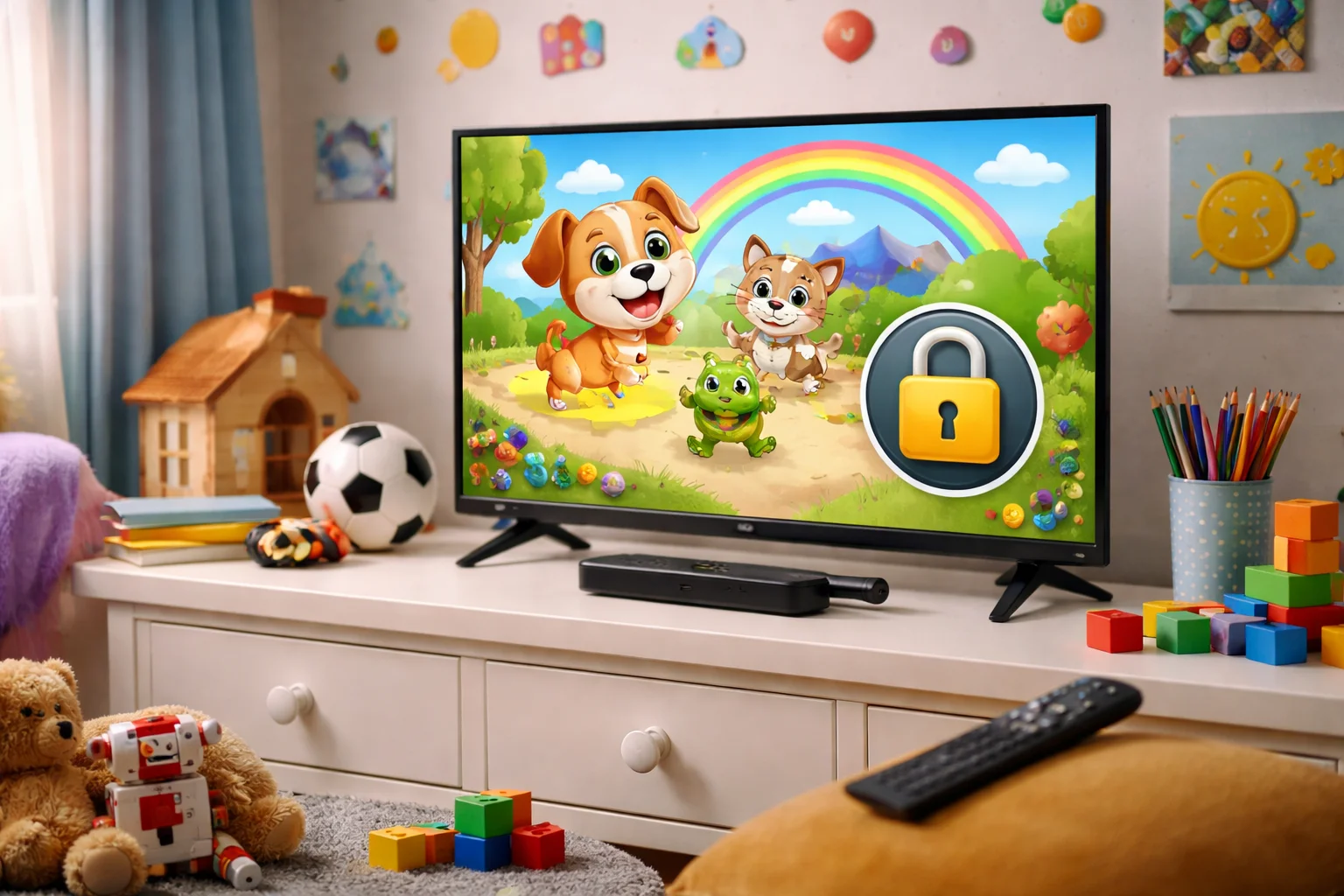
- Parental controls allow PIN-locking of adult content categories.
- Set up individual Firesticks for different TVs at £40–£65 each with no monthly multi-room fee.
- VOD libraries provide thousands of family movies and children’s series.
- Annual savings exceed £800 compared to combined traditional subscriptions.
Table of Contents
- Why Families Switch to IPTV
- Multi-Device Family Setup
- Kids Channels Available
- Setting Up Parental Controls
- Family Movie Night
- Managing Family Screen Time
- Cost Savings for Families
- Frequently Asked Questions
- Conclusion
Why Families Switch to IPTV
The typical UK family subscription stack looks like this: You might also be interested in our guide on IPTV Channels List: What 3,000+ Channels Actually Include in 2025.
| Service | Monthly Cost |
|---|---|
| Sky TV (Entertainment + Sports) | £60 |
| Netflix Standard | £11 |
| Disney+ Standard | £8 |
| Amazon Prime Video | £9 |
| Total | £88/month |
IPTV for families replaces all of these with a single subscription for £8–£15/month. That is £73–£80 in savings every single month — over £870 per year.
Beyond cost, families benefit from the simplicity. One app, one login, one interface for everything. No switching between apps, no managing multiple passwords, and no surprise price increases across four different services.
Multi-Device Family Setup
The beauty of IPTV for families is that everyone watches what they want simultaneously:
Living room TV: Dad watches the Premier League on Sky Sports
Bedroom TV: Mum watches a drama on Sky Atlantic
Kids’ room: Children watch CBeebies or Cartoon Network
Tablet: Teenager watches YouTube-style content
How to Set Up Multi-Room
Step 1: Choose a subscription plan with enough simultaneous connections. For most families, 3–5 connections is ideal.
Step 2: Purchase a streaming device for each TV.
An Amazon Firestick at £40–£65 each is the most cost-effective option. No monthly multi-room fees.
Step 3: Install the same IPTV app on each device. Enter the same login credentials on all devices.
Step 4: Customise favourites on each device to suit each family member’s preferences.
Total one-time cost for 3 Firesticks: £120–£195
Monthly cost: Just your single IPTV subscription (£8–£15)
Compare this to Sky’s multi-room service at £10–£15/month per additional room.
Kids Channels Available
A comprehensive IPTV for families package includes every children’s channel available in the UK:
### Pre-School (Ages 2–5)
CBeebies, Baby TV, Tiny Pop, Nick Jr, Disney Junior, Cartoonito
### Children (Ages 5–12)
CBBC, CITV, Cartoon Network, Boomerang, Nickelodeon, Nick Toons, Disney Channel, Disney XD, POP, POP Max
### Teens
E4, ITV2, MTV, Comedy Central, VICE
### Kids VOD
The on-demand library typically includes complete seasons of popular children’s shows: Peppa Pig, Paw Patrol, Bluey, SpongeBob, and hundreds more. Family movies from Disney, Pixar, DreamWorks, and Universal are usually available.
Setting Up Parental Controls
Protecting children from inappropriate content is essential. Here is how to configure parental controls on the most popular apps:
### In IPTV Smarters Pro
1. Go to Settings > Parental Controls
2. Enable parental lock and set a 4-digit PIN
3. Select categories to lock (Adult, PPV, 18+ movies)
4.
Children cannot access locked categories without the PIN
### In TiviMate
1. Open Settings > Parental Controls
2. Set a master PIN
3. Long-press any channel group and select “Lock”
4. Locked groups require the PIN to view
Device-Level Controls
Amazon Firestick: Enable Amazon’s built-in parental controls under Settings > Preferences > Parental Controls. Set a PIN for app launches and purchases.
Android TV: Use Google Family Link to set screen time limits and restrict app access.
For detailed app setup, see our Smarters Pro guide.
Family Movie Night
The VOD (Video on Demand) library transforms IPTV for families into a complete entertainment hub:
New releases: Recent cinema releases available weeks after theatrical run.
Classic family films: Complete libraries of Disney, Pixar, DreamWorks, and Studio Ghibli catalogues.
TV box sets: Complete seasons of family-friendly series for weekend binge-watching.
Holiday specials: Christmas films, Halloween specials, and seasonal content throughout the year.
Most IPTV VOD libraries rival or exceed the combined catalogues of Netflix, Disney+, and Amazon Prime. All included in your single subscription.
Managing Family Screen Time
IPTV for families works best with a few household rules:
Designate screen-free times. Dinner, homework hours, and bedtime are common screen-free periods. Since IPTV includes catch-up functionality, nobody misses anything.
Use the favourites system. Set up each device with age-appropriate favourites only. The kids’ Firestick should open directly to children’s channels, not the full channel list.
Leverage parental controls. Lock everything except kid-friendly categories on children’s devices.
This prevents accidental access to inappropriate content.
Set device timers. Amazon Firestick and Android TV both support automatic sleep timers. Set the kids’ devices to shut off at bedtime.
Cost Savings for Families
Here is the complete financial picture for IPTV for families:
### One-Time Setup Costs
| Item | Cost |
|---|---|
| Firestick 4K Max x 3 | £195 |
| Ethernet adapters x 3 | £45 |
| HDMI cables x 3 | £15 |
| Total Setup | ~£255 |
### Monthly Running Cost
| Service | Cost |
|---|---|
| IPTV subscription | £8–£15 |
| VPN subscription | £2–£3 |
| Total Monthly | ~£10–£18 |
### Annual Comparison
| Setup | Annual Cost |
|---|---|
| Traditional (Sky + Netflix + Disney+ + Prime) | £1,056 |
| IPTV (after first-year setup costs) | £120–£216 |
| Annual Savings | £840–£936 |
The one-time setup cost pays for itself within four months.
Frequently Asked Questions: Iptv for families
### How many devices can my family use at once?
Most IPTV plans include 2–5 simultaneous connections. Standard plans typically offer 2–3 connections, while family plans support 4–5. Check with your provider before subscribing to ensure enough connections for your household.
### Is IPTV safe for children?
Yes, with proper parental controls configured. Lock adult content categories behind a PIN and set up children’s devices with age-appropriate favourites only. Both IPTV Smarters Pro and TiviMate offer robust parental control features.
### Can different family members watch different channels?
Absolutely.
Each device operates independently. Dad watches football, Mum watches drama, and kids watch cartoons, all simultaneously from the same subscription.
### Do I need a separate subscription for each TV?
No. One IPTV subscription works across all devices. You only need a streaming device (like a Firestick) for each TV, which is a one-time purchase with no ongoing fees.
### What internet speed does a family need?
Each simultaneous HD stream requires approximately 15–25 Mbps. A family with 3 simultaneous streams needs at least 50 Mbps.
Most UK broadband connections handle this comfortably.
For more information on internet streaming technology, visit the Ofcom Connected Nations Report.
Conclusion: One Subscription, Whole Family Entertained: Iptv for families
IPTV for families is the most cost-effective entertainment solution for UK households. One affordable subscription replaces Sky, Netflix, Disney+, and Amazon Prime while providing more content, more flexibility, and more control.
Set up parental controls, customise favourites for each family member, and enjoy savings of over £800 per year. Start with a free trial and see how IPTV transforms your family’s entertainment experience.